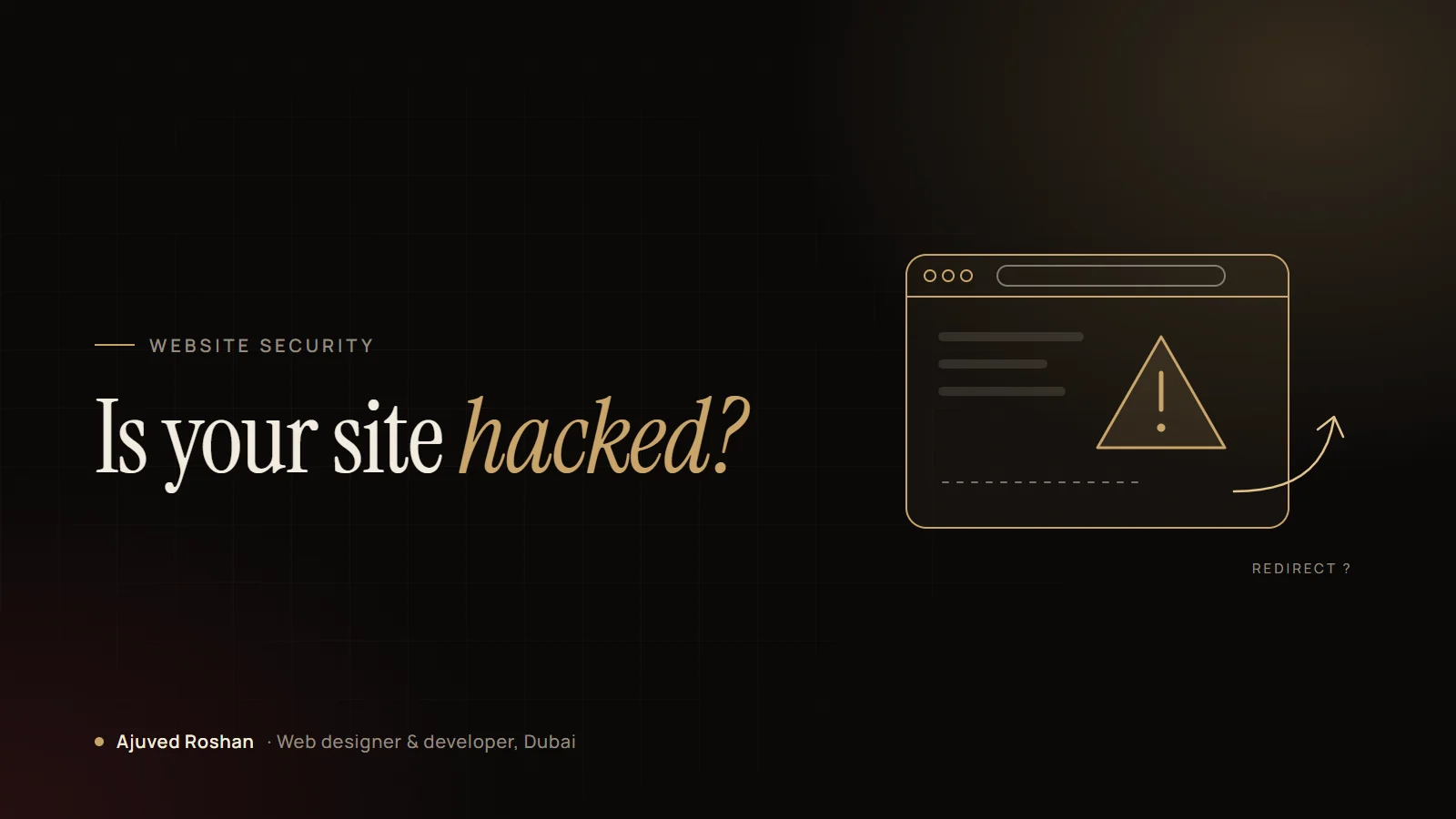
Most hacked websites don’t show a skull and a ransom note. The attacker usually wants your site to keep working, because it is more useful to them that way: sending spam, redirecting your visitors or quietly hosting pages that rank for things you would never sell.
That’s why many business owners only find out when a customer, Google or their host tells them. These are the signs I look for first.
8 signs your site may be compromised
1. Visitors are redirected somewhere else
The classic one. Often it only happens on mobile, only for visitors arriving from Google, or only once per visitor, so you may never see it when you type your own address. Ask someone to search for your business on their phone and tap the result.
2. Google shows a warning
“This site may be hacked” in search results, or a red warning screen in Chrome, means Google has already found something. Search Console’s Security Issues report will usually tell you what.
3. Strange pages appear in search
Search Google for site:yourdomain.com. If you see pages in Japanese, pharmacy keywords or products you don’t sell, someone has added content to your site.
4. Admin users you didn’t create
Check Users in WordPress. New administrator accounts, especially with generic names, are a strong sign of a break-in.
5. The site is suddenly slow or the server is overloaded
Malware that sends spam or mines resources uses your server. Hosts often suspend sites for this before the owner notices anything else.
6. Your emails go to spam
If your domain is being used to send spam, mail providers stop trusting it, and your real emails start landing in junk folders.
7. Files or plugins you don’t recognise
Unknown plugins, PHP files in the uploads folder, or recently modified core files are all worth a closer look.
8. Your host or security plugin sends a warning
Don’t dismiss these as false alarms without checking. They are often the first and only notice you will get.
What to do first
- Don’t panic-delete. Removing files at random can break the site and destroy the evidence of how they got in.
- Take a full backup of files and database as they are now, even though they’re infected.
- Change every password: WordPress admins, hosting, FTP/SFTP, the database and your email.
- Find the entry point. Most break-ins come through an outdated plugin, a nulled theme or a reused password. If you don’t close the door, they come back.
- Clean, then harden. Replace core files, remove the malware and backdoors, update everything and remove anything unused.
- Request a review in Search Console once the site is clean, so the warning is removed.
Cleaning a site without finding how the attacker got in is like mopping the floor with the tap still running.
Prevention is cheaper than clean-up
Updated plugins, strong unique passwords, two-factor login, a firewall such as Cloudflare and verified off-site backups prevent the large majority of the hacks I clean up. None of it is expensive. It just needs to be done consistently.
Think your site has been hacked? Message me on WhatsApp. I clean infected WordPress sites, find how they were broken into and harden them so it doesn’t happen again.