
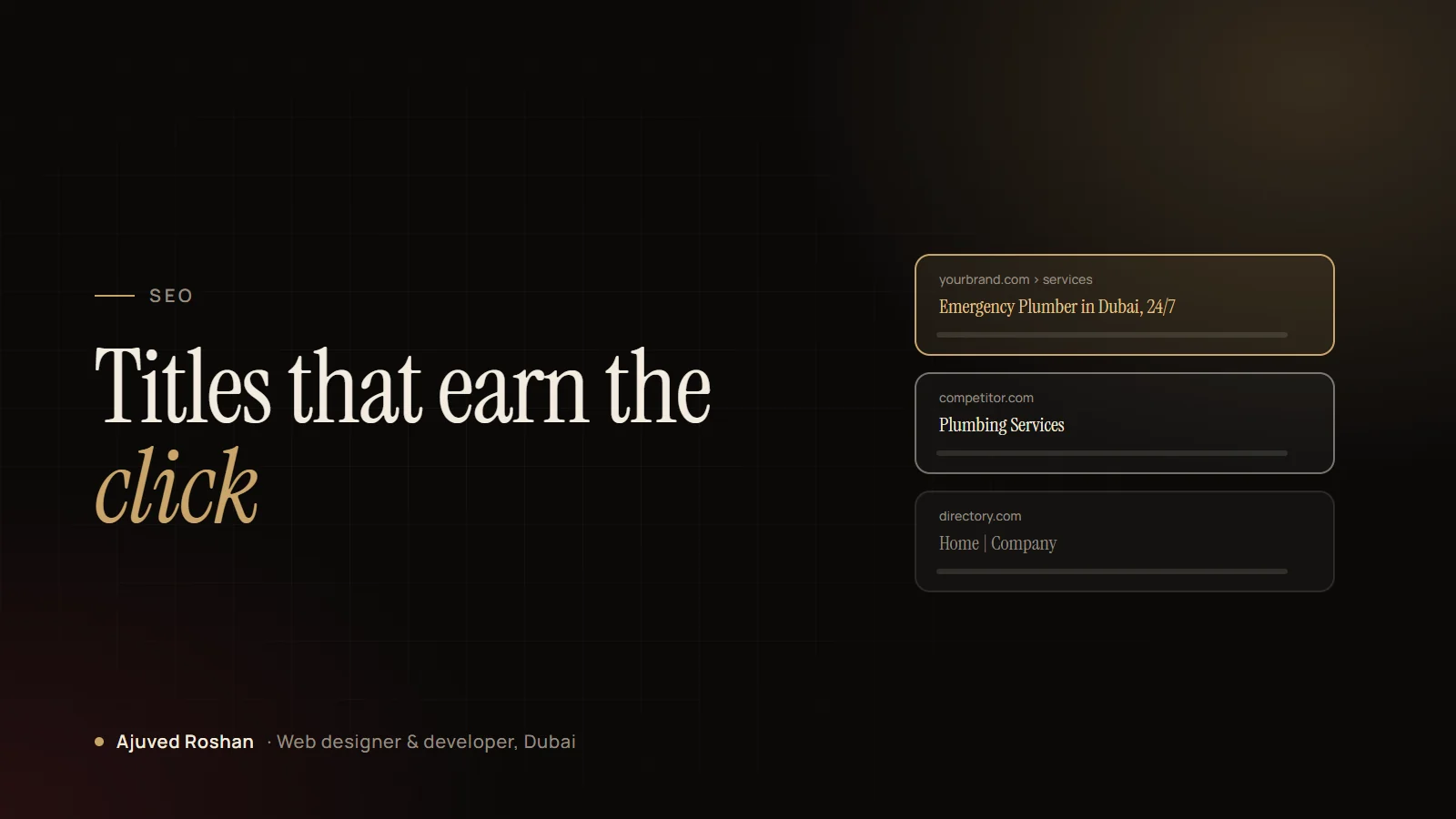
When your page appears in Google, the searcher sees three things: the title, the URL and a short description. In a second or two, they decide whether to click you or the result below. Writing these well is one of the quickest SEO improvements you can make.
Meta title (title tag)
The title is the blue clickable headline in search results and the text on the browser tab. It’s also one of the strongest signals of what the page is about.
- Put the main keyword near the start.
- Keep it to about 50 to 60 characters so it isn’t cut off.
- Make every page’s title unique.
- Add your brand name at the end if there’s room.
- Make it compelling: a benefit, a number or a location.
Meta description
The description doesn’t directly affect rankings, but it strongly affects whether people click. Think of it as a two-line advert.
- About 140 to 160 characters.
- Summarise what the page offers and why it’s useful.
- Include the main keyword naturally; Google often bolds matching words.
- Add a reason to click: a benefit, what’s included, or a clear next step.
- Make it accurate. A misleading description gets clicks that bounce.
Examples
| Page | Weak | Better |
|---|---|---|
| Service page title | Home | Company | Emergency Plumber in Dubai, 24/7 | BrandName |
| Service description | We provide quality services. | Leaks, blocked drains and water heaters fixed fast across Dubai. Upfront quotes, licensed technicians. Call or WhatsApp now. |
| Blog title | Blog post 12 | How to Fix an AC That’s Not Cooling (7 Quick Checks) |
| Product title | Product 445 | Cold-Brew Coffee Maker, 1.5L | Free UAE Delivery |
Why Google sometimes changes them
Google may rewrite your title or show a different part of the page as the description, especially if yours is too long, stuffed with keywords or doesn’t match the search well. You can’t fully control it, but clear, accurate titles that match the page’s main heading are rewritten less often.
How to set them in WordPress
SEO plugins such as Rank Math or Yoast add fields under each page and post for the SEO title and description, with a preview and a character count. You can also set templates for categories and products, then customise the important pages by hand.
Where to start
- Your homepage and main service or category pages.
- Pages that already get impressions in Search Console but few clicks.
- Your best-selling products.
- Blog posts that rank on page one or two.
In Google Search Console, sort pages by impressions and look for a low click-through rate. Those are the pages where a better title and description can bring more visitors without improving your ranking at all.
You don’t always need to rank higher. Sometimes you just need to be the result people want to click.
Want this done across your site?
See the technical SEO service and local SEO in Dubai.
Want better titles and descriptions on your key pages? Message me on WhatsApp or send a project enquiry. I reply within one working day.