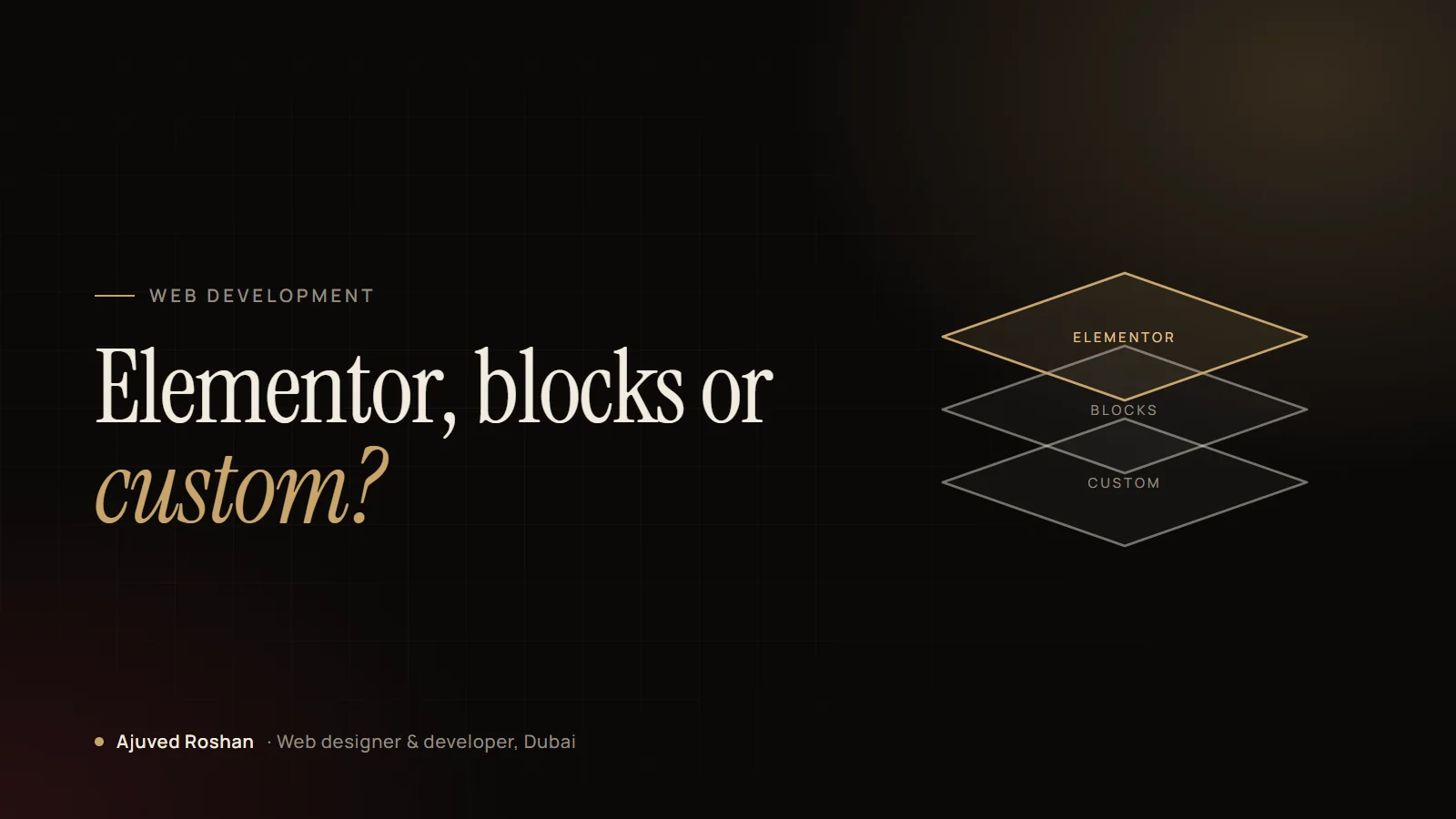
Two WordPress websites can look identical and behave very differently behind the scenes. One is easy for your team to edit but heavier. Another loads lightning-fast but needs a developer for every layout change. The way a site is built is a decision worth understanding before you start.
The three main approaches
Elementor (page builder)
A visual drag-and-drop builder. You see the page as you edit it and can change layouts, styles and content without code. It has a huge ecosystem of widgets, templates and add-ons, and a Pro version with theme building, forms and popups.
The block editor (Gutenberg) with a block theme
WordPress’s built-in editor. Pages are made of blocks: paragraphs, images, columns, buttons. With a modern block theme, you can also edit headers, footers and templates. No extra plugin required.
A custom theme
A developer codes the templates specifically for your site, often with custom blocks or fields for editors. You get exactly the design and functionality you need, with minimal extra code.
How they compare
| Elementor | Block editor | Custom theme | |
|---|---|---|---|
| Editing for non-technical teams | Very easy, visual | Easy for content; layouts take practice | Easy if editing fields are well designed |
| Design flexibility | High | Growing | Unlimited |
| Speed potential | Good with care | Very good | Excellent |
| Extra plugins needed | Elementor (and often Pro) | None required | Depends on the build |
| Dependence on a developer | Low | Low to medium | Higher for layout changes |
| Build cost | Moderate | Moderate | Usually higher |
Choose Elementor if…
- Your team wants to build and change landing pages without waiting for a developer.
- You value visual editing and quick design changes.
- You’ll follow good practices: a lean setup, few add-ons, optimised images and caching.
Elementor’s reputation for being slow usually comes from heavy templates, many add-on packs and unoptimised images rather than Elementor itself. Well-built Elementor sites can perform well.
Choose the block editor if…
- Your site is mostly content: articles, service pages, news.
- You want the leanest possible setup with fewer plugins.
- You’re happy with simpler layout tools or custom blocks for special sections.
Choose a custom theme if…
- Performance and a unique design are top priorities.
- You have complex functionality, integrations or large amounts of structured content.
- You have a developer relationship for ongoing changes.
What I usually recommend
For most small and medium businesses in the UAE that want to edit their own site, a clean Elementor or block-editor build, done carefully, is the best balance of flexibility, speed and cost. Custom themes make sense for larger or performance-critical projects.
The best builder is the one your team can use without slowing the site down.
See WordPress vs Shopify, Core Web Vitals fixes and my WordPress and WooCommerce service.
Not sure how your site should be built? Message me on WhatsApp or send a project enquiry. I reply within one working day.