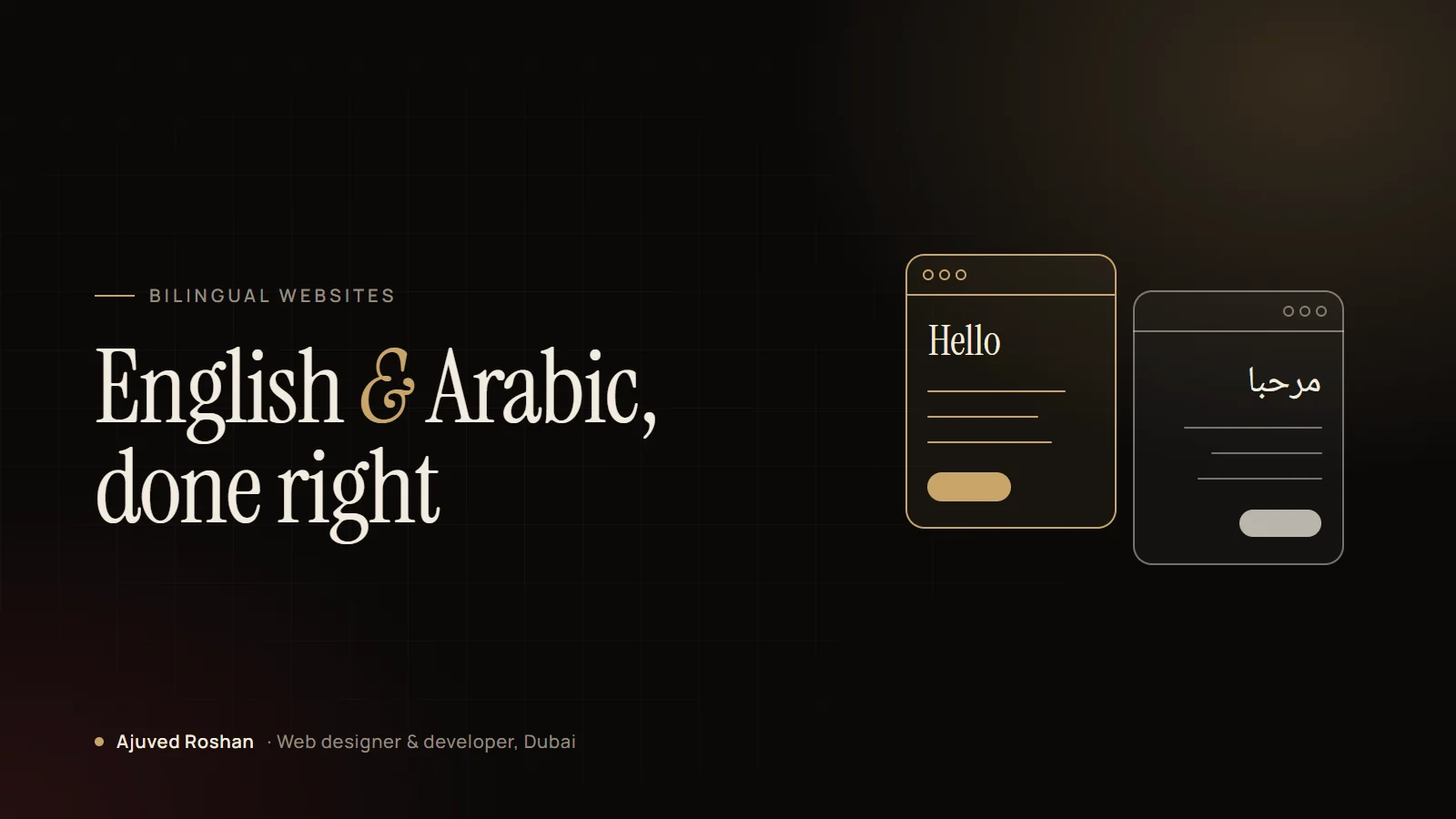
In the UAE, a bilingual website isn’t a nice extra. Many of your customers search, read and decide in Arabic. But an Arabic version that is simply a translation of the English site, with the same left-to-right layout, feels foreign to the people it is meant for.
Here is the checklist I work through on every English and Arabic build.
1. Mirror the layout, not just the text
Arabic reads right to left, so the whole interface should follow: navigation starts on the right, the logo moves across, sliders move the other way and arrows point in the opposite direction. Set the page direction to rtl and build the layout with logical properties, so it mirrors itself instead of needing a second stylesheet.
- Menus, breadcrumbs and pagination run right to left
- Directional icons (arrows, chevrons, “next”) are flipped
- Icons with meaning of their own (play buttons, logos, checkmarks) are not flipped
- Phone numbers, prices and codes stay left to right inside Arabic text
2. Choose real Arabic typography
Latin fonts don’t include Arabic letters, so the browser falls back to whatever is installed, and the page looks broken. Pair your English font with an Arabic typeface designed to sit beside it, then adjust the size and line height. Arabic usually needs a slightly larger size and more generous line spacing to read comfortably.
3. Write the Arabic, don’t just translate it
Machine translation gets the words roughly right and the tone wrong. Headlines, calls to action and service names should be written by someone who writes Arabic for marketing. The same goes for forms, error messages and WhatsApp pre-filled messages, which people often forget.
4. Tell Google about both languages
Search engines need to know which page is which language and how the versions relate. Without that, the wrong version can rank, or both can compete with each other.
- Separate URLs per language, for example
/ar/for Arabic hreflangtags linking each page to its translation- Translated titles, meta descriptions and image alt text
- A language switcher that goes to the same page in the other language, not the homepage
5. Test on real phones
Most visitors in the UAE arrive on mobile. Check the Arabic pages on an actual phone: long words wrapping, buttons that get too wide, numbers in the wrong direction, menus opening from the wrong side. These are small details, and they are exactly what makes a site feel built for Arabic readers rather than adapted for them.
A good Arabic site doesn’t feel translated. It feels like it was designed in Arabic first.
The quick checklist
- Page direction set to RTL, layout mirrored with logical CSS
- Directional icons flipped, meaningful icons left alone
- A proper Arabic typeface with tuned size and line height
- Native-quality Arabic copy, including forms and messages
- Separate URLs, hreflang tags and translated SEO fields
- A language switcher that keeps visitors on the same page
- Tested on real phones in both languages
I design and build bilingual and multilingual websites for clinics, retailers and service businesses across the UAE. Message me on WhatsApp if you’re planning an Arabic version of your site.