
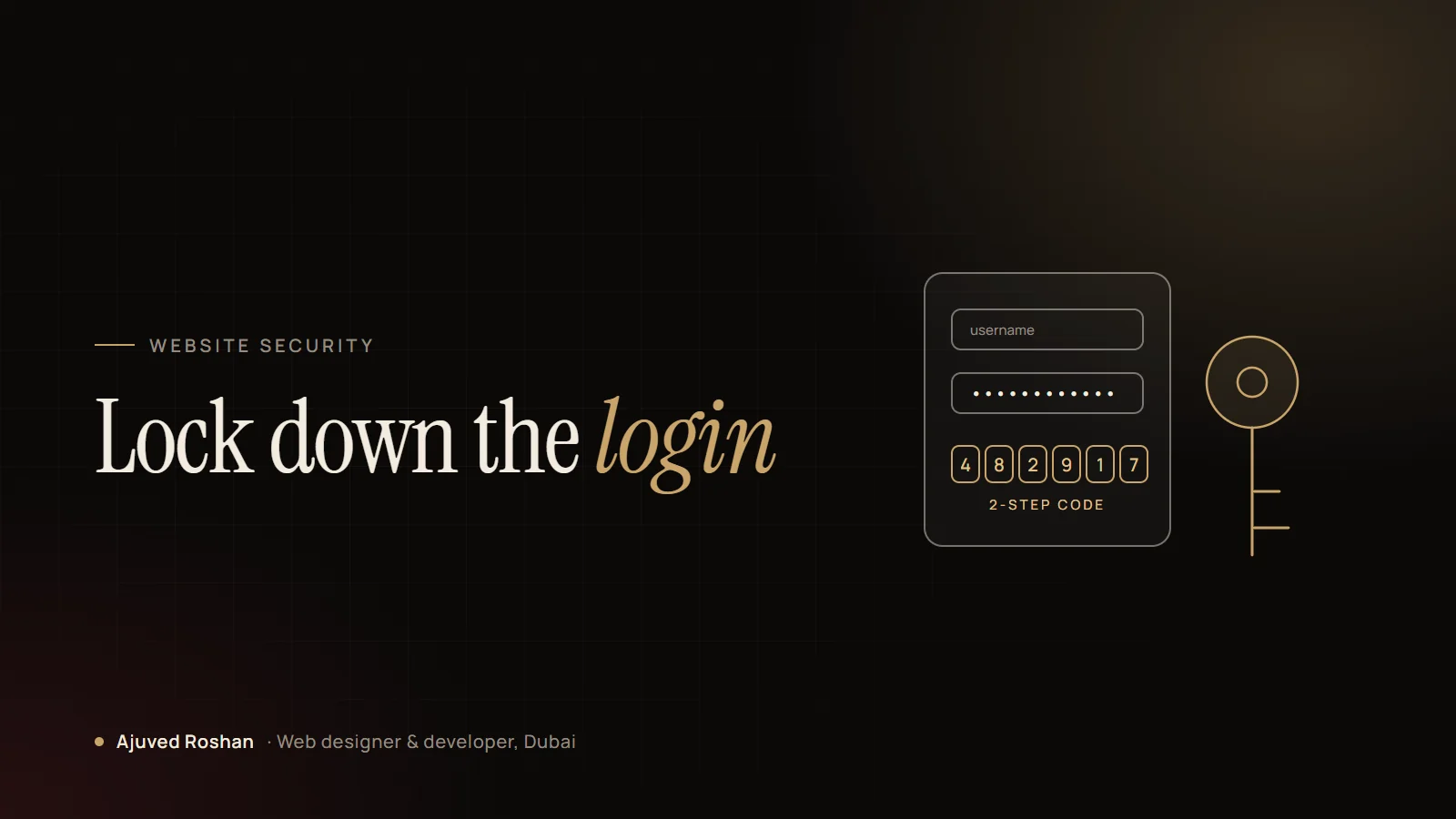
Every WordPress site has a login page, and bots know where to find it. Automated tools try thousands of username and password combinations, hoping to find a weak one. A single weak admin password can hand over your entire website.
The good news: a few simple steps block nearly all of these attacks.
1. Use strong, unique passwords
- Use a password manager to generate long, random passwords.
- Never reuse a password from another site. Leaked passwords from other services are tried first.
- Change passwords when someone leaves the team or a contractor finishes.
2. Turn on two-factor authentication (2FA)
With 2FA, logging in needs the password and a code from an authenticator app on your phone. Even if someone steals a password, they can’t log in without the phone. Security plugins such as Wordfence, Solid Security or dedicated 2FA plugins add it. Make it required for all administrator accounts.
Save the backup codes somewhere safe in case you lose your phone.
3. Limit login attempts
Block or slow down IP addresses after several failed login attempts. Most security plugins include this, and a firewall like Cloudflare can stop bots before they reach the site.
4. Avoid obvious usernames
Don’t use “admin”, your domain name or your public display name as your login username. If an old account is called “admin”, create a new administrator with a different username and delete the old one, assigning its content to the new account.
5. Give people only the access they need
| Role | Can do |
|---|---|
| Administrator | Everything, including plugins, themes, users and settings |
| Editor | Publish and manage all posts and pages |
| Author | Publish and manage their own posts |
| Shop manager (WooCommerce) | Manage products and orders |
A content writer doesn’t need administrator access. Fewer admins means fewer accounts that can do serious damage.
6. Remove old accounts
Review users regularly. Delete or downgrade accounts for former staff, agencies and freelancers who no longer need access.
7. Keep everything updated
Login protection doesn’t help if an outdated plugin lets attackers in another way. Keep WordPress, themes and plugins updated, and remove anything you don’t use.
8. Watch for warning signs
- Admin users you don’t recognise.
- Login alert emails you didn’t expect.
- New plugins or files you didn’t add.
If you see these, read signs your WordPress site has been hacked and act quickly.
Login security checklist
- Password manager and unique passwords for every user
- 2FA required for administrators
- Login attempts limited
- No “admin” username
- Minimum roles for each person
- Old accounts removed
- Everything updated
Most WordPress break-ins don’t need clever hacking, just a weak password and no 2FA.
See the full website security checklist, or let me handle it through security and backups.
Want your WordPress login locked down? Message me on WhatsApp or send a project enquiry. I reply within one working day.