
How many WordPress plugins is too many? How to choose and clean them up

It’s not the number of plugins that slows down or endangers a WordPress site, it’s which ones and how they’re built. Here’s how to judge a plugin, which kinds to be careful with and how to clean up safely.
How to secure your WordPress login: passwords, 2FA and limiting attacks

Bots try to log in to WordPress sites all day, every day. Here’s how to protect your login with strong passwords, two-factor authentication, sensible user roles and login limits.
Call-to-action buttons that get clicks: wording, placement and design
Your call-to-action button is where a visitor becomes an enquiry. Here’s how to write button text that gets clicked, where to place it, how to design it and the mistakes that quietly cost you leads.
Google Search Console for beginners: set it up and use the reports that matter

Google Search Console is free and shows exactly how Google sees your website: which searches you appear for, which pages are indexed and what’s broken. Here’s how to set it up and use it.
How to choose colours and fonts for your website (and your brand)
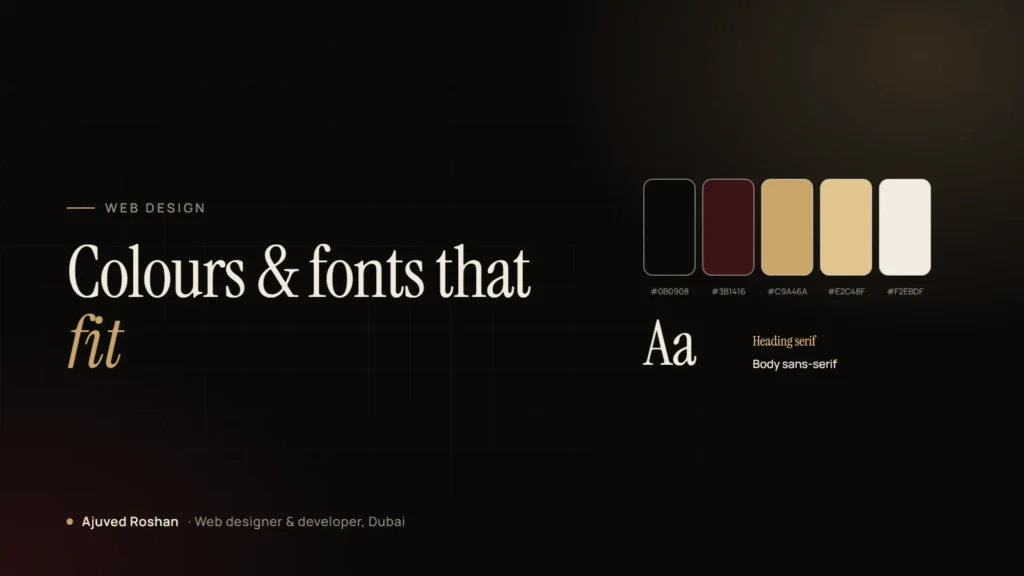
Colours and fonts shape how people feel about your business before they read a word. Here’s a simple way to choose a palette and typefaces that fit your brand, stay readable and work on every screen.
How to speed up your Shopify store: 10 practical fixes

Shopify handles hosting for you, but stores still get slow from heavy themes, too many apps and huge images. Here are ten practical fixes to make your Shopify store faster on mobile.
How to stop spam on WordPress contact forms and comments

Dozens of junk enquiries a day bury real customers and can even get your emails flagged as spam. Here’s how to stop contact form and comment spam on WordPress without annoying genuine visitors.
Website accessibility basics: make your site usable for everyone

An accessible website works for people with visual, hearing, motor or cognitive differences, and it’s usually better for everyone else too. Here are the basics, quick wins and how to test your site.
Schema markup explained: help Google understand your business
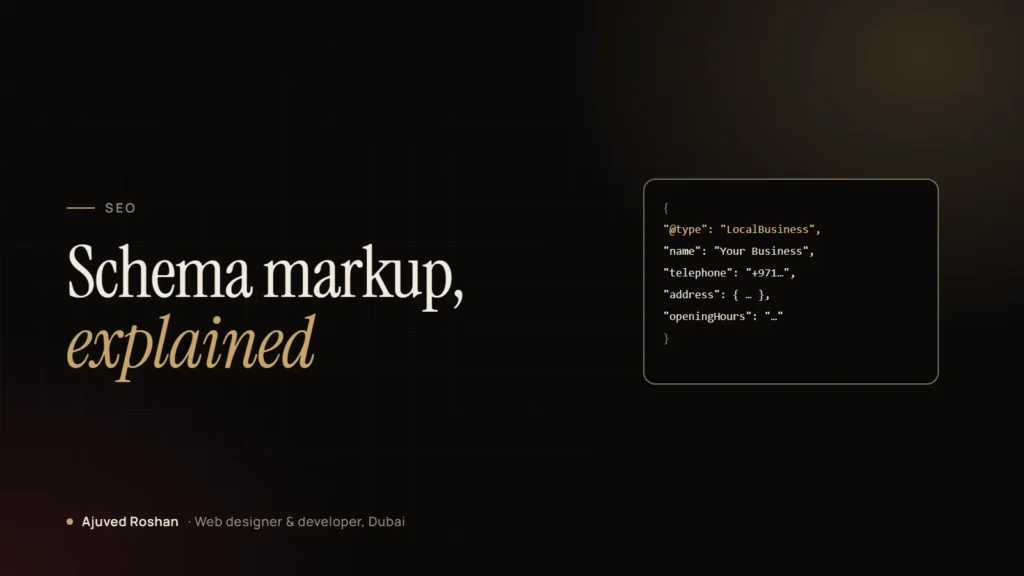
Schema markup is code that tells Google exactly what’s on your page: your business, services, products, FAQs or reviews. Here’s what it is, which types matter for small businesses and how to add it.
Image optimisation for websites: faster pages without losing quality

Large images are the most common reason websites load slowly. Here’s how to choose the right format, size and compression, add alt text and lazy loading, and keep images sharp.