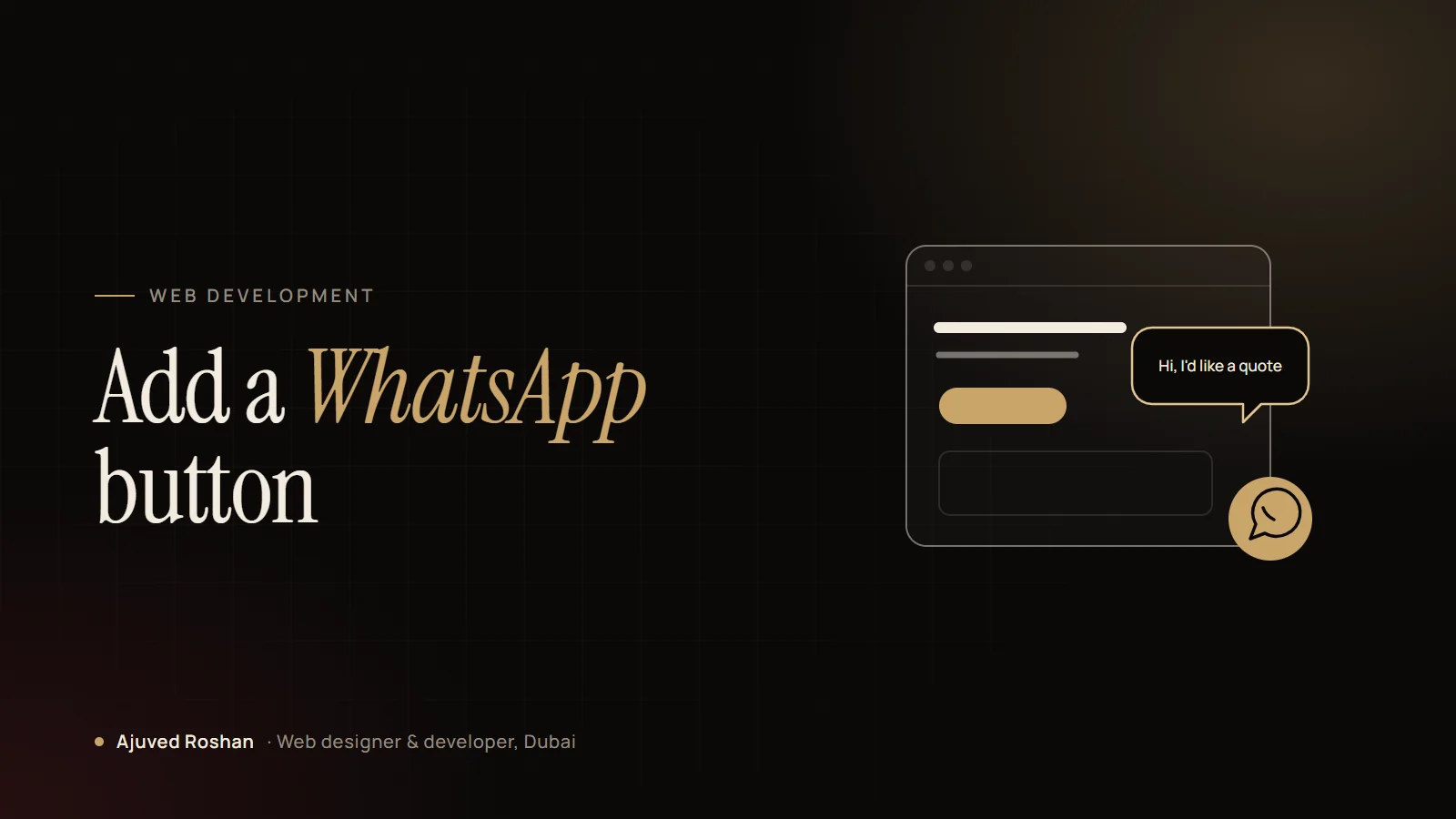
For many businesses in the UAE, WhatsApp is the main way customers get in touch. A clear WhatsApp button on your website removes a step: instead of copying your number, the visitor taps once and a chat opens with your business, often with a message already typed.
Here’s how to add one to any website, from a simple link to a floating button, and how to make sure it actually brings enquiries.
Step 1: Build your WhatsApp link
Every WhatsApp button is just a link in this format:
https://wa.me/971501234567Replace the number with yours in full international format: country code first (971 for the UAE), then the number without the leading zero, plus sign, spaces or dashes. So 050 123 4567 becomes 971501234567.
On a phone the link opens the WhatsApp app. On a computer it opens WhatsApp Web or the desktop app.
Step 2: Add a pre-filled message
You can add text that appears in the visitor’s message box, ready to send. Add ?text= and your message, with spaces written as %20:
https://wa.me/971501234567?text=Hi%2C%20I%27d%20like%20a%20quote%20for%20a%20websiteA pre-filled message helps in two ways: the visitor doesn’t have to think of an opening line, and you can see which page or service they came from. For example, use a different message on each service page: “Hi, I’m interested in kitchen renovation”.
| Character | Write it as |
|---|---|
| Space | %20 |
| Comma | %2C |
| Apostrophe | %27 |
| Question mark | %3F |
| New line | %0A |
Tip: type your message in any online “URL encoder” tool and it will convert everything for you.
Step 3: Add the button to your site
WordPress with Elementor
Add a Button widget wherever you want it (header, hero, contact section), set the text to something like Chat on WhatsApp, choose a WhatsApp icon, and paste your wa.me link in the Link field. For a button that stays on screen, Elementor Pro’s popups or a sticky section can hold it in a corner.
WordPress without a page builder
Plugins such as Joinchat or Click to Chat add a floating WhatsApp button in a few minutes. Enter your number, a default message and the pages where it should appear. Pick one that is lightweight and well maintained, and avoid stacking several chat plugins, as each one adds code to every page.
Shopify
Search the Shopify App Store for a WhatsApp chat app, or add a button in the theme editor using a custom link. Many stores also add a WhatsApp link on the product page with a pre-filled message that includes the product name, so you know exactly what the customer is asking about.
Any website (HTML and CSS)
If you have access to the site’s code, a floating button needs only a few lines:
<a href="https://wa.me/971501234567?text=Hi" class="wa-float"
   target="_blank" rel="noopener" aria-label="Chat with us on WhatsApp">
  WhatsApp us
</a>

<style>
.wa-float{position:fixed;right:20px;bottom:20px;z-index:999;
  padding:14px 20px;border-radius:999px;background:#25d366;
  color:#fff;font-weight:600;text-decoration:none;
  box-shadow:0 8px 24px rgba(0,0,0,.2)}
</style>
Where to put the button
- Header or hero: visible as soon as the page loads, ideal for service businesses.
- Floating corner button: always within reach on long pages, especially on mobile.
- Next to each service or product: with a message that names that service.
- Contact page: alongside the phone number, email and form, so people can choose.
Make sure a floating button doesn’t cover other buttons, cookie banners or the “Add to cart” button on mobile. Test it on a real phone.
Use WhatsApp Business, not your personal app
The free WhatsApp Business app lets you add your business hours, address and website, set an automatic greeting and away message, save quick replies for common questions and show a catalogue of products or services. If several people answer messages, look at the WhatsApp Business Platform through an approved provider, which supports shared inboxes.
Common mistakes
| Mistake | Fix |
|---|---|
| Number with 0, + or spaces in the link | Use digits only: 9715XXXXXXXX |
| Button shows on desktop but nobody’s there to reply | Set business hours and an away message |
| Button covers other buttons on mobile | Move it, or make it smaller on small screens |
| Several chat plugins installed | Keep one and remove the rest |
| No idea how many people click it | Track clicks with Google Tag Manager |
Track how many people click it
A WhatsApp button is only useful if you can see that it works. With Google Tag Manager and GA4, every click can be recorded as an event and even counted as a conversion in Google Ads. I explain it step by step, with images, in how to track WhatsApp and call clicks with Google Tag Manager.
Make it one tap to start a conversation, then reply fast. That’s most of the job.
Need it set up for you?
Every website I build includes WhatsApp and call buttons, placed and tested on mobile, with click tracking. See my web development and landing page services, or browse recent projects.
Want a WhatsApp button added to your website? Message me on WhatsApp or send a project enquiry. I reply within one working day.