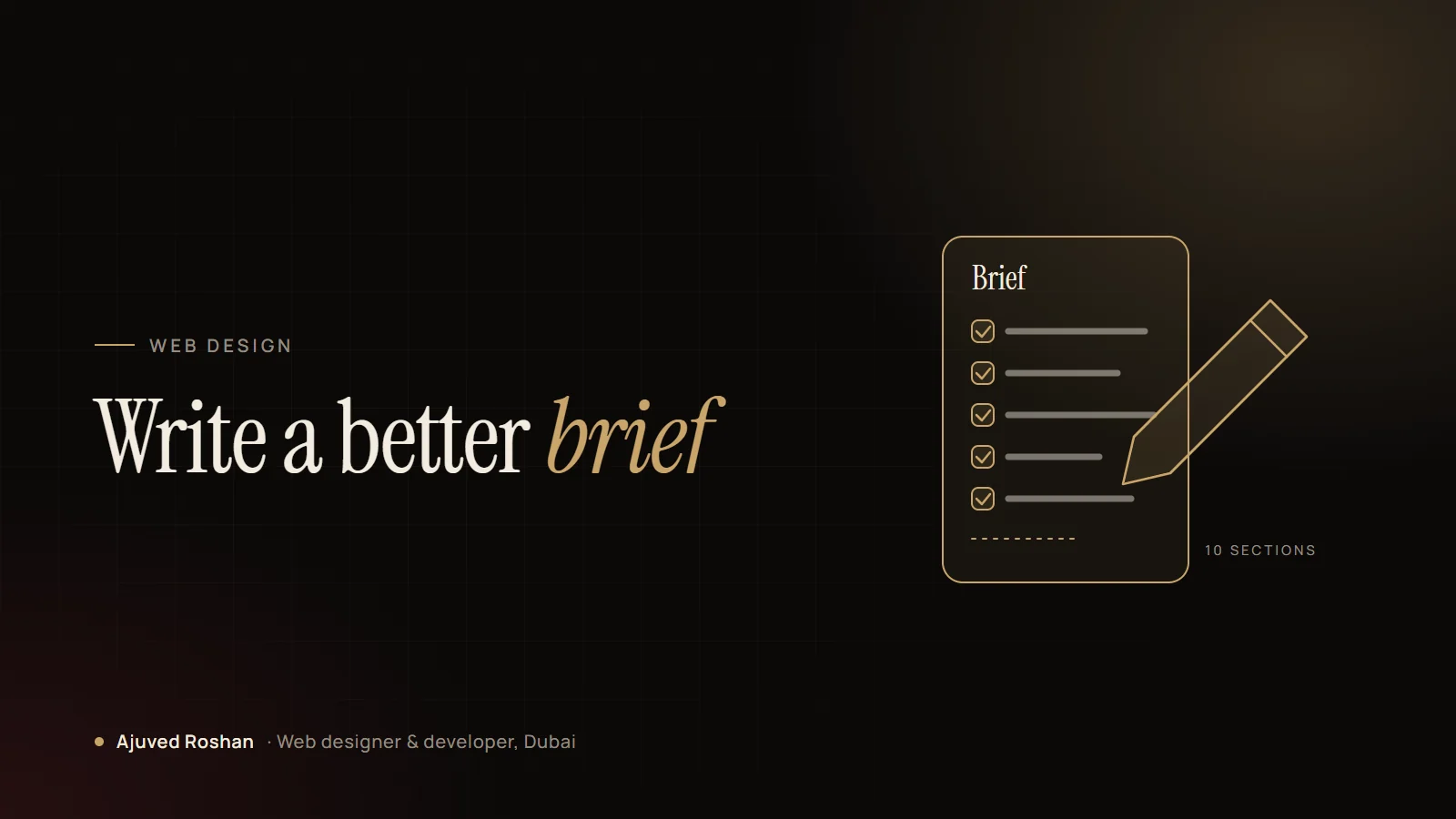
Most website projects that go wrong don’t fail in design or development. They fail at the start, when nobody wrote down what the website was actually for. A short, clear brief fixes that.
You don’t need technical knowledge to write one. A good website brief is simply a few pages that explain your business, your customers and what the new website must achieve. This guide walks through each section and ends with a template you can copy.
Why a website brief matters
- Better quotes. Designers can price the real scope instead of guessing, so quotes are easier to compare.
- Fewer surprises. Features you forgot to mention are the most common reason a project grows in time and cost.
- A faster project. Decisions made on paper don’t have to be made again halfway through the build.
- A site that fits. The design is shaped around your customers, not around someone’s guess about them.
If you are still deciding who to work with, read my 12 questions to ask before hiring a web designer alongside this guide.
What to include in a website brief
1. About your business
Two or three sentences on what you do, who you serve and what makes you different. Add where you operate, for example Dubai only, the whole UAE or the GCC.
2. The goal of the website
This is the most important part. What should a visitor do? Call, send a WhatsApp message, book an appointment, request a quote or buy online? Pick one main goal and, at most, two secondary ones.
3. Your customers
Describe the people you want to reach: who they are, what they search for, what worries them before they buy and which language they prefer. If many of them read Arabic, say so early, because it changes the layout. My RTL checklist for bilingual websites explains why.
4. Pages you think you need
A simple list is enough: Home, About, Services (one page per service is best for SEO), Projects, Blog, FAQ, Contact. Your designer will refine it into a proper sitemap.
5. Features
List anything beyond normal pages: online booking, an online store, payment links, a member area, a calculator, a CRM connection, live chat or WhatsApp. Mark each as must have or nice to have.
6. Content
Say who will write the text and supply the photos. If you need help with copywriting, translation or photography, include it in the brief so it appears in the quote.
7. Look and feel
Share your logo and brand colours, and two or three websites you like, with one line on why you like each. “Clean and fast” or “premium and calm” is more useful than a long list of features.
8. Your current website
If you already have a site, share the address and what isn’t working. If it ranks on Google, the new site must keep those pages or redirect them; see how to redesign without losing rankings.
9. Budget and timeline
A budget range helps the designer suggest what fits rather than what is possible. Add any fixed date, such as a launch event or a campaign. My guide on what changes the price of a website helps you set a realistic range.
10. After launch
Who will host the website, update it and fix problems? Say whether you want hosting and a monthly care plan included.
What to leave out
- Long company history. One paragraph is enough.
- Technical instructions, unless you have a hard requirement such as a specific CRM.
- A design you want copied exactly. Share references for inspiration instead.
- Every possible feature. Start with what the business needs now; good websites grow later.
A one-page brief that answers the right questions beats a twenty-page document nobody reads.
A website brief template you can copy
| Section | Your answer |
|---|---|
| Business | What you do, who you serve, where you operate |
| Main goal | The one action you want visitors to take |
| Customers | Who they are, what they search for, language |
| Pages | Your list of pages |
| Features | Must have / nice to have |
| Content | Who writes text, who supplies photos |
| Look and feel | Logo, colours, 2–3 reference sites and why |
| Current site | Address, what works, what doesn’t |
| Budget and date | Range and any fixed deadline |
| After launch | Hosting, updates and support needed? |
What happens after you send it
I read the brief, ask a few questions on a short call and reply with a written scope, a fixed price and a timeline. You can see how each stage runs in from brief to launch, and examples of finished work on the projects page. For the services themselves, see web design and web development.
Have a brief ready, or want help writing one? Message me on WhatsApp or send a project enquiry. I reply within one working day.